Zaslat × PrestaShop: 10+ carriers right inside your e-shop
The Alsendo Connect module links your PrestaShop store to Zaslat. Orders transfer on their own, customers pick the carrier and the pickup point on a map, you pack and ship. No contracts, no CSV. Join more than 20,000 e-shops.

Key benefits of the PrestaShop integration

How to get started with PrestaShop and Zaslat?
As an official PrestaShop partner we built the Alsendo Connect module, which links PrestaShop to your Zaslat account. Carriers, pickup points and label printing then live right in your e-shop admin. Everything in one place, with no external systems and no needless switching.
Install the module
Download Alsendo Connect from PrestaShop Addons, upload it to your admin and connect your e-shop with an API key from Shipment Manager.
Set up the carriers
Load the carriers from your Zaslat account in one click and set the prices. For Zásilkovna, Balíkovna and PPL the customer picks the pickup point on a map.
Pack and ship
Ship one by one or in bulk and download all labels at once as a ZIP. The carrier collects the parcels at your pickup address.
"Best for shipping in Czech republic with all known carriers"
One connection, every carrier
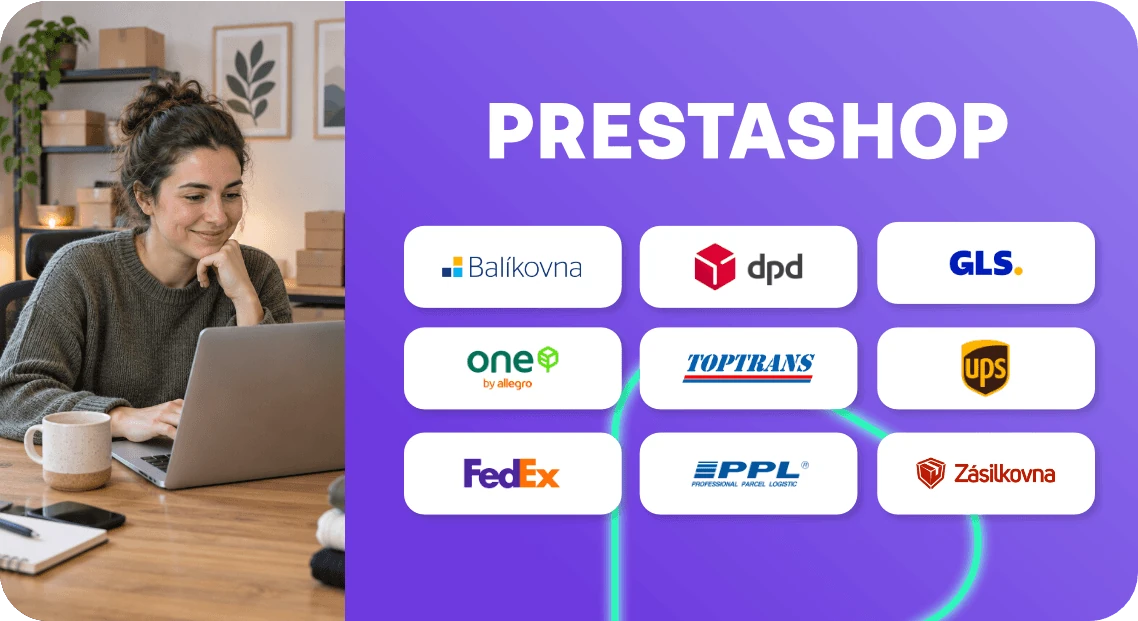
Connect your PrestaShop store to Zásilkovna, Balíkovna, PPL, DPD, GLS and other carriers at once. Customers choose delivery to an address, a pickup point or a parcel box, from more than 60,000 locations across Czechia. No contracts and no separate module for each carrier – it is all under one roof.
- Delivery across Czechia and Europe
- Shipping to 187 countries
- To an address, a pickup point or a parcel box
- Cash on delivery filled in automatically
Shipment Manager
Everything for shipping lives right in PrestaShop: order transfer, label printing and parcel tracking. On top of that you get access to Shipment Manager with bulk dispatch, order imports from other platforms, a detailed overview of parcels and cash on delivery, and delivery to 187 countries.
FAQ
How long does connecting Zaslat with PrestaShop take?
Usually a few minutes. Install the module, paste the API key from Shipment Manager, load the carriers and set the prices. Our guide walks you through it step by step.
Which PrestaShop versions does the module support?
Alsendo Connect works with PrestaShop 1.7.8 (1.7.8.0 to 1.7.8.11) and 8 (8.0.0 to 8.2.8). PrestaShop 9 is not supported yet.
Do I need a business account to use the integration?
A Zaslat account is enough and registration is free. You will find the API key for the connection in Shipment Manager under Settings › Integrations.
Does the integration work for pickup points and parcel boxes?
Yes. For Zásilkovna, Balíkovna and PPL the customer picks a pickup point or parcel box right in the cart on an interactive map. The chosen location is filled into the order and the shipment automatically.
Can I ship several orders at once?
Yes. Select the orders you want to ship in the order list, click “Send via Alsendo” and download all labels at once as a ZIP. You set the label size (A4 or A6) in Shipment Manager.
About the service
Pricelists
About Zaslat
Operator
- Zaslat s.r.o.
- Sukova 49/4 602 00 Brno - střed
-
ID:
03672808
TAX ID: CZ03672808 - Data box: 2stxccf